Use the Chat tab for SOP notifications and questions
The Chat tab provides call guidance and lets the representative ask direct SOP questions.
Default behavior
The Chat tab provides notifications during the call to surface helpful information from the SOP. These notifications are designed to give the representative timely guidance without requiring manual searching.
Ask a direct question
- Go to the Chat tab in the right-side panel.
- Use the question box at the bottom of the panel when information is not already shown in the notifications.
- Type the question and select Ask.
- Review the assistant's answer and apply it to the call.
When to use Chat: Use the chat when the SOP notification does not show what you need and you want a direct answer from the assistant.
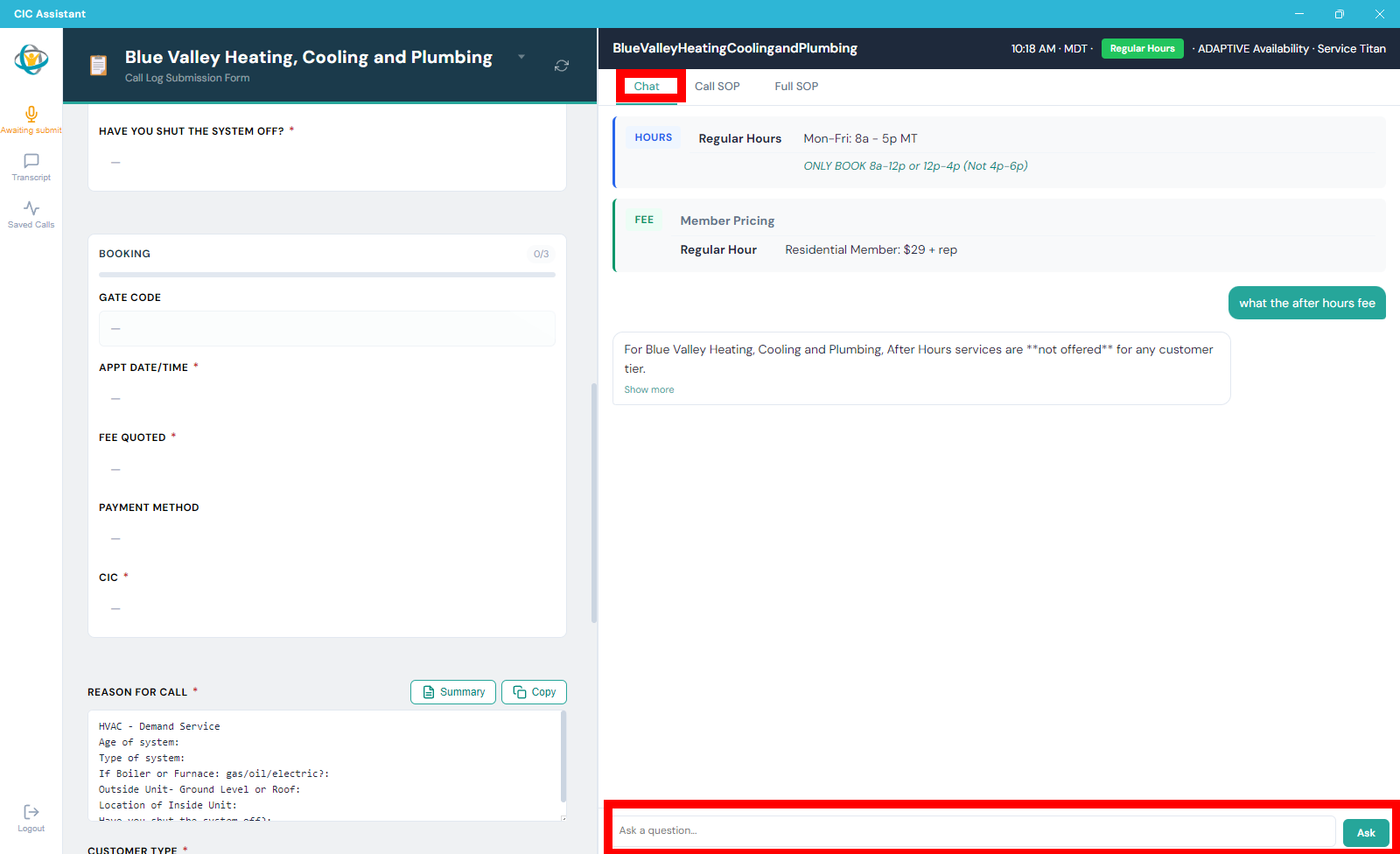
The Chat tab shows SOP guidance and includes an input box for direct questions.