Use the Full SOP tab
The Full SOP provides the complete SOP for quick reference or fallback use.
When to use the Full SOP
The Full SOP can be used for quick reference or as a fallback if the filtered guidance does not provide enough information. It gives access to the complete SOP with all information that would normally have to be reviewed manually.
Instructions
- Select the Full SOP tab from the right-side panel.
- Use this view when you need broader client information beyond the current call context.
- Review company information, services not provided, must-book rules, job types, and other client SOP sections as needed.
Best practice: Use Call SOP for live call handling and Full SOP for backup reference or deeper SOP review.
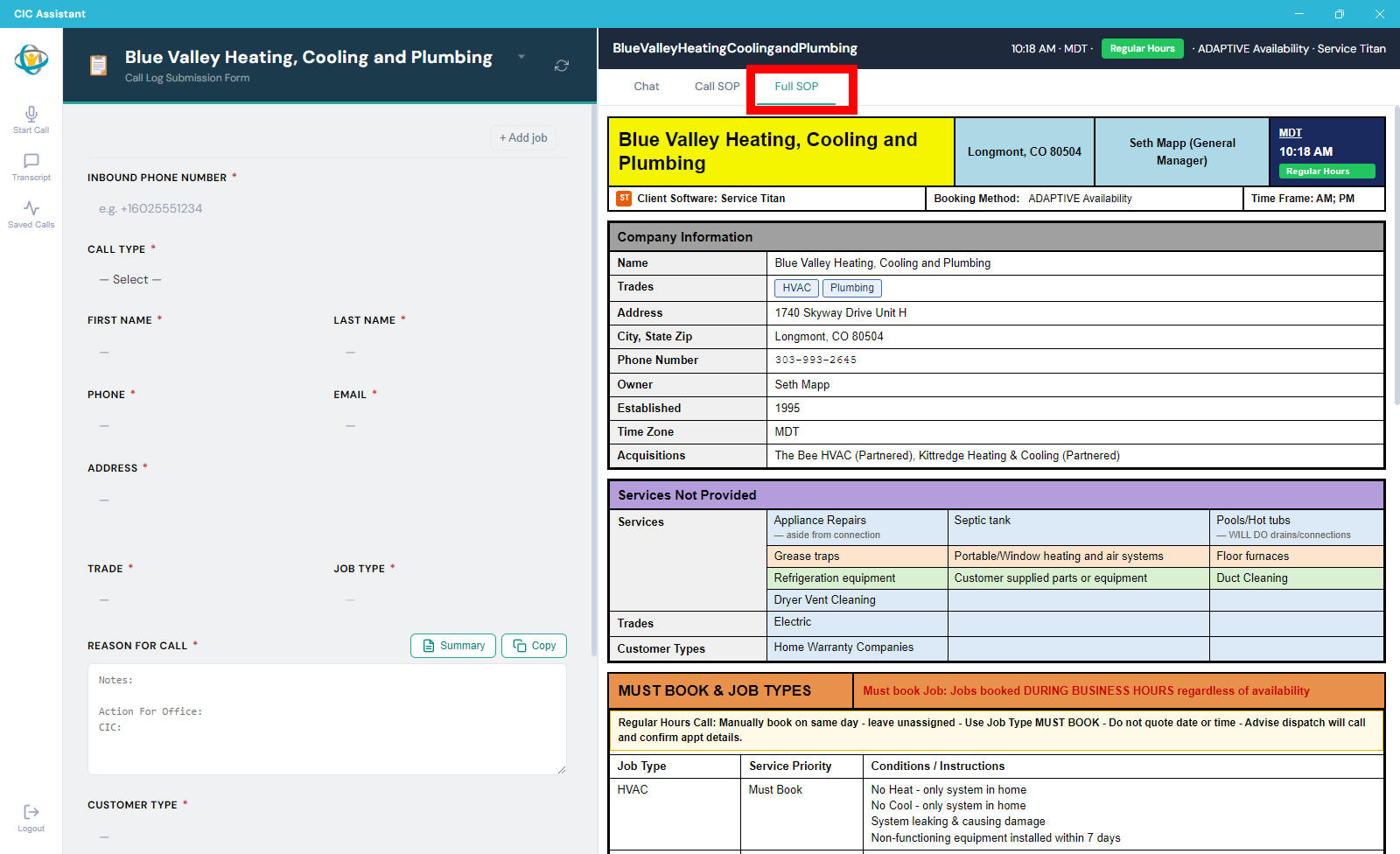
The Full SOP tab displays the complete SOP reference for the selected client.