Connecting AI Agents
Admins can connect an AI agent to the portal and ask it questions like "which contracts differ from the finance spreadsheet?" or "what would we invoice Acme for last week, and why?". The agent reads the portal through its MCP server (Model Context Protocol), the same standard Claude, ChatGPT and most agent tools use to connect to external data.
Everything the agent can do is read-only. It cannot change a contract, create an invoice or send anything.
Who can connect
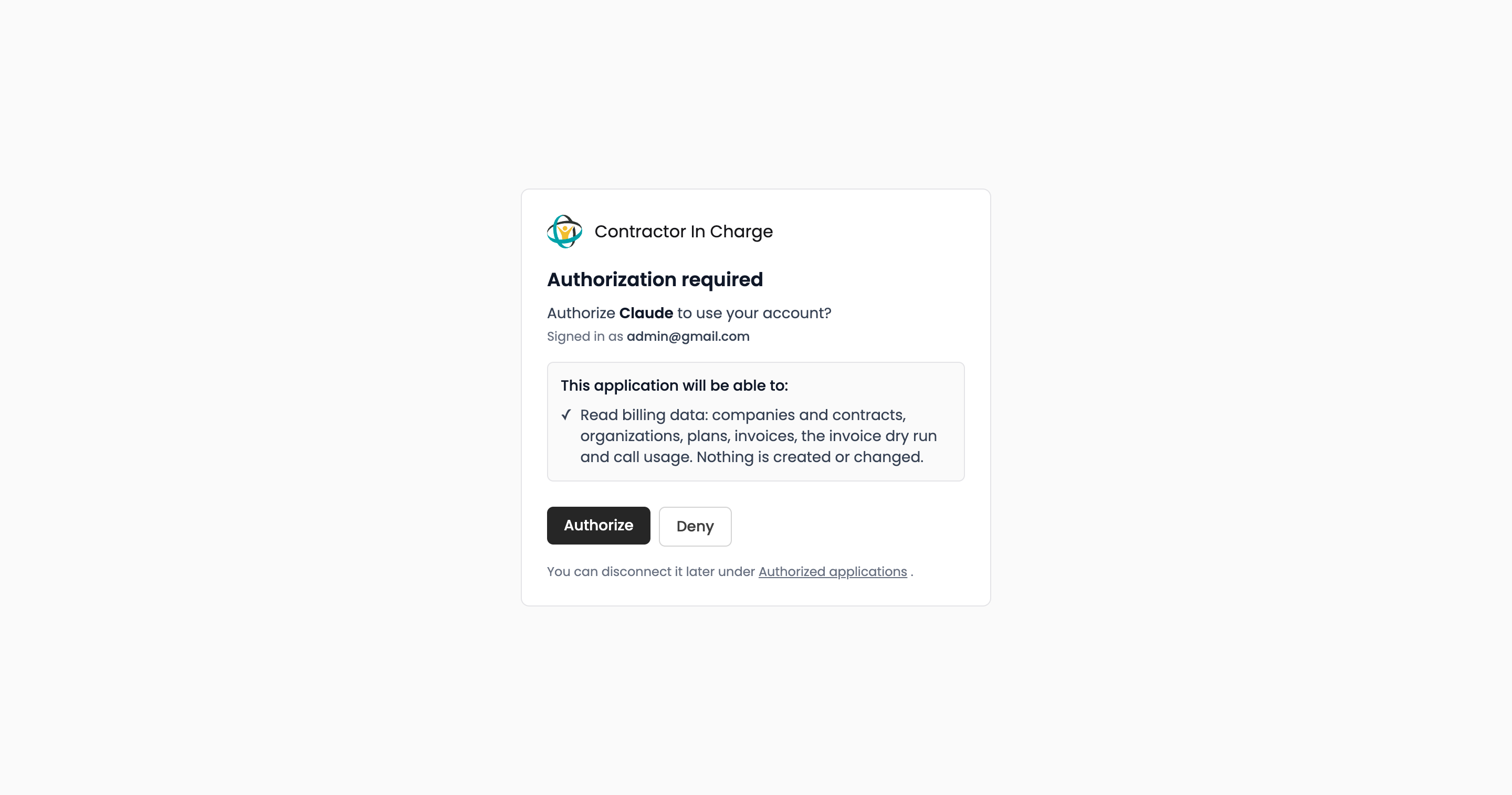
Only admin accounts. When an agent connects, you sign in to the portal and approve it; any other role is refused, and a token from one of your other portal integrations is refused as well.
Connecting Claude
- In claude.ai (or Claude Desktop), open Settings → Connectors → Add custom connector.
- Enter the URL
https://portal.cicops.ai/mcpand save. No client ID or secret is needed; the portal registers the client itself. - Claude opens the portal's sign-in page. Sign in with your admin account.
- Approve the request. You are back in Claude with the portal connected.
For Claude Code, run claude mcp add --transport http portal https://portal.cicops.ai/mcp and then /mcp to sign in. Other MCP clients follow the same pattern: give them the URL, sign in when prompted.
What the agent can read
| Tool | Returns |
|---|---|
list_companies | Companies with their organization, billing readiness and the contract in force; searchable by name, campaign or alias. |
get_company | One company in depth: every contract past and present, members, call counts, recent invoices. |
list_organizations | Organizations with their minimum, invoicing mode and member companies. |
list_plans | The standard menu and legacy plans, with how many contracts use each. |
list_invoices | Invoices by company or organization, status and period. |
billing_dry_run | The invoice dry run for any period, row by row, including hidden companies with calls. |
usage_summary | Raw calls, handle minutes and manual-call allowance per company over any date range. |
The agent also receives a short explanation of the portal's vocabulary (company, organization, contract, plan, billing periods) so it can reason about the data correctly.
A typical session
"Here is the September billing sheet [attached]. Compare every client's rate, fee and cadence with the contract in the portal and list the differences."
The agent reads the sheet with its own file or spreadsheet tools, calls list_companies, and reports the deltas. Follow-ups like "what would Acme's invoice be for the week of the 23rd?" go through billing_dry_run.
Managing connected agents
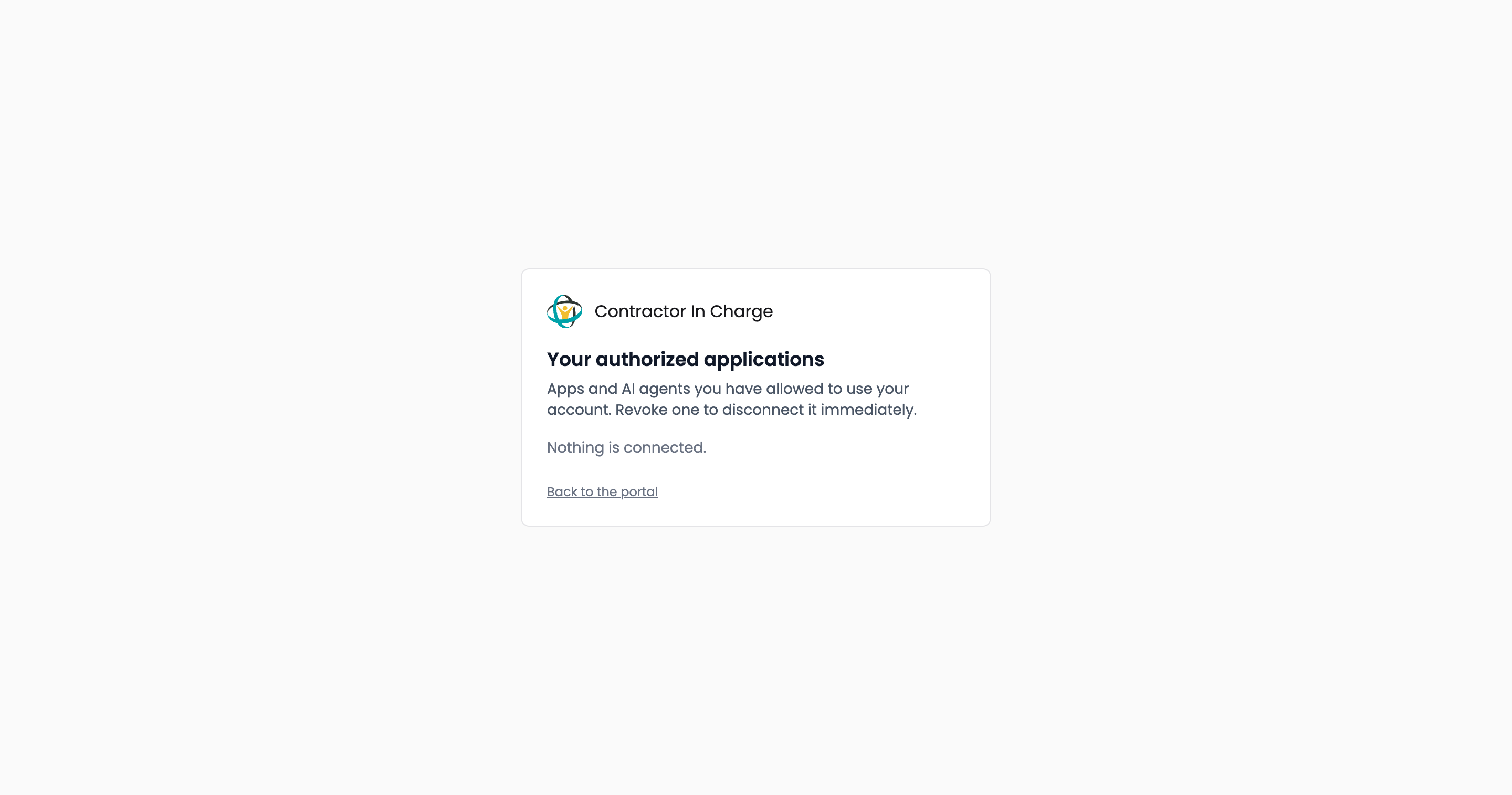
Approved agents are listed at portal.cicops.ai/oauth/authorized_applications (opens in a new tab). Revoke one there to disconnect it immediately; it will have to be approved again to reconnect. Access expires on its own after two hours of inactivity and is renewed silently while the agent is in use.