Log in to CIC Assistant
Use the CIC portal account to authenticate before working in the application.
Instructions
- Open the CIC Assistant desktop application.
- On the welcome screen, select Sign In.
- The application redirects to the browser and opens the CIC Authentication page.
- Enter the CIC portal Email and Password.
- Optional: select Remember me when appropriate.
- Select Log in.
✅
Expected result: After successful authentication, the user is brought back into the CIC Assistant application.
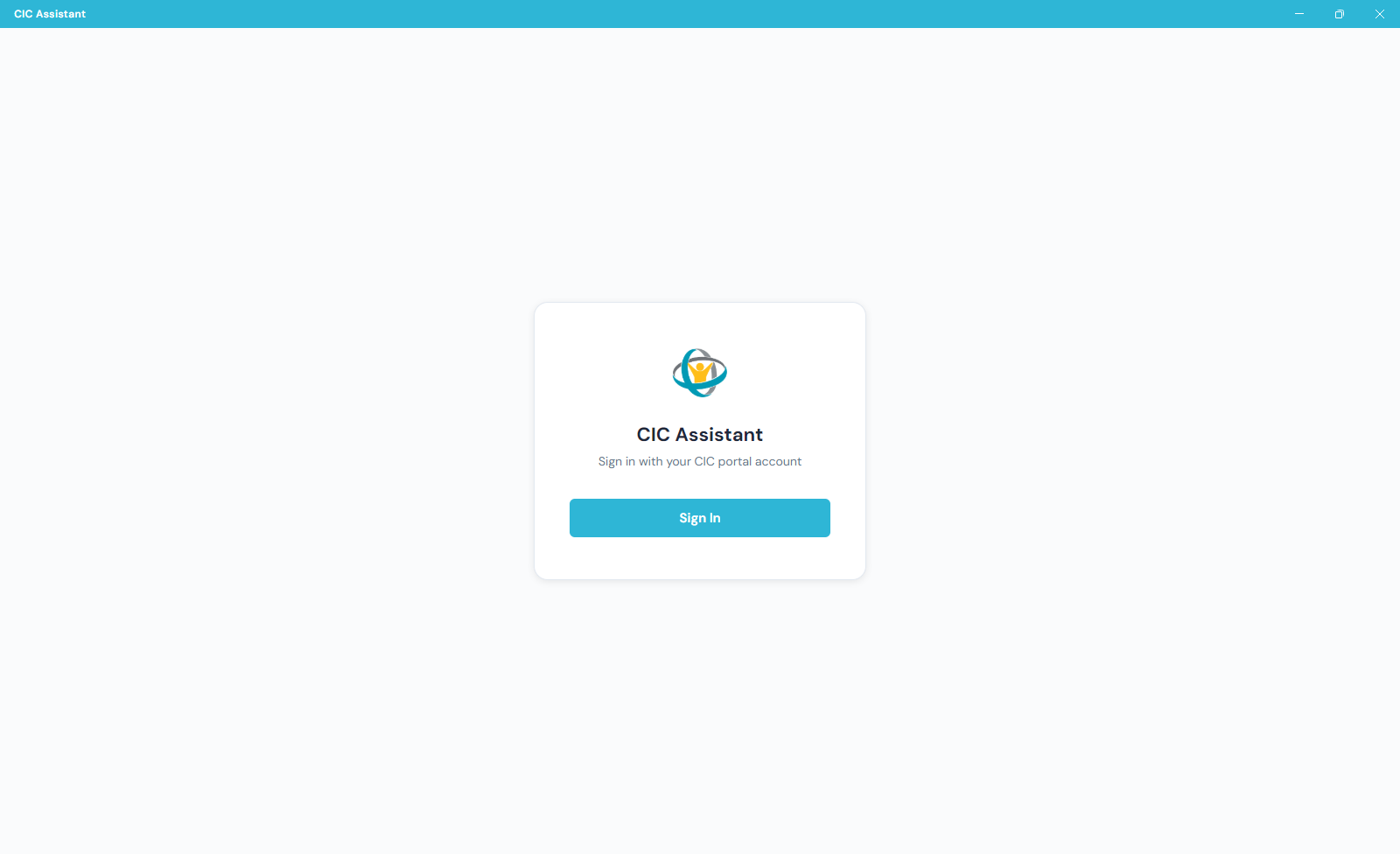
The CIC Assistant opens to a sign-in panel. Select Sign In.
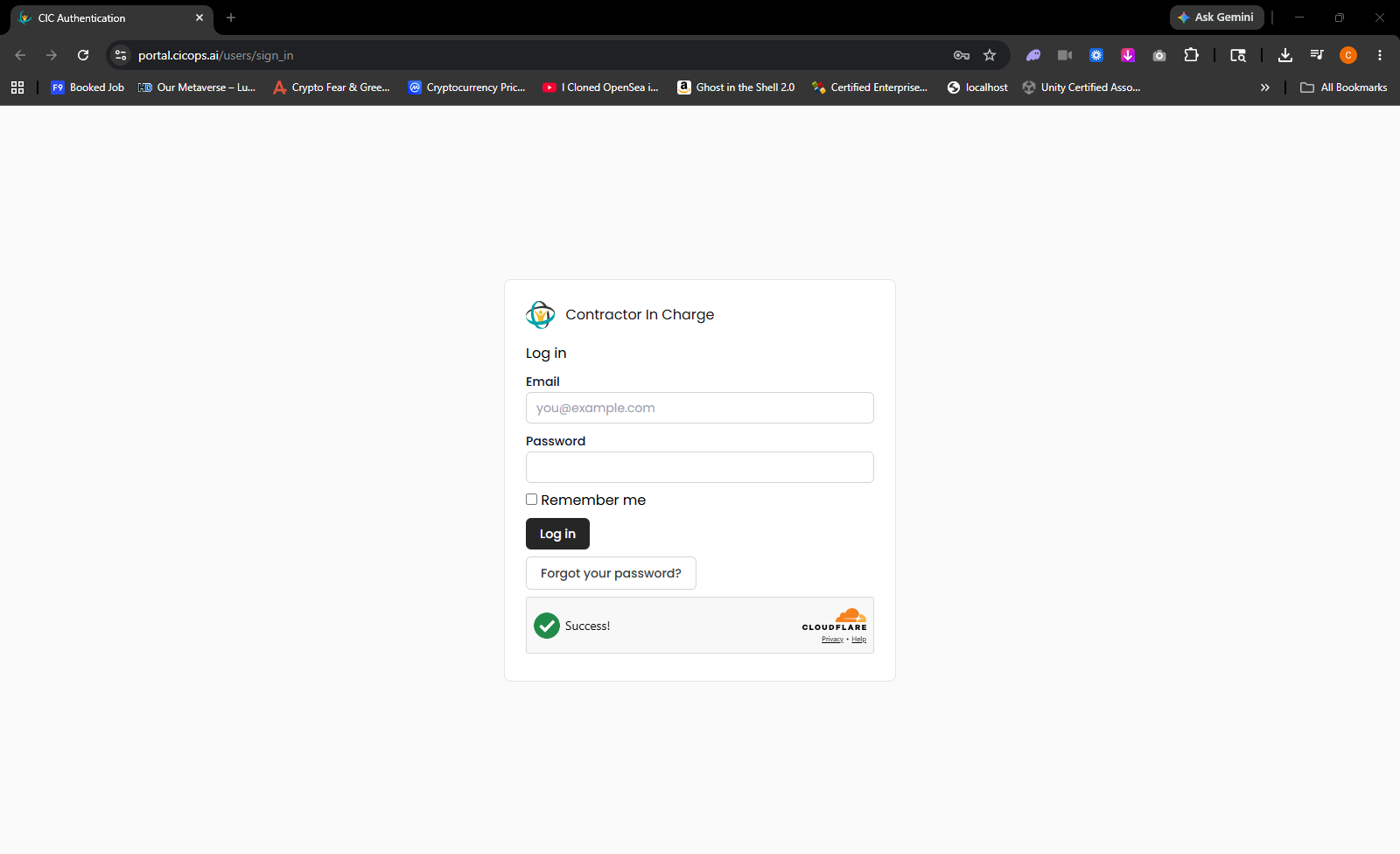
The browser opens the CIC portal login screen for email and password authentication.
Troubleshooting
- If the browser does not open, return to the application and select Sign In again.
- If credentials are not accepted, use Forgot your password? on the CIC Authentication page.
- Confirm the Cloudflare status shows success before continuing.