Reviewing Calls
Some calls are dispositioned as non-billable by the agent (dead air, wrong number, internal, test, no disposition) even though the recording shows a real conversation. Reviewing calls is how those minutes are restored before the invoice run, and how questionable calls are signed off.
The Reviewer role
CIC has a dedicated Reviewer role for the person auditing calls. A reviewer sees every call and the review queue, can mark calls reviewed and fix recording logs, and nothing else: no companies, billing, users or settings. Their home page is the review queue. Admins can do everything a reviewer can.
The review queue
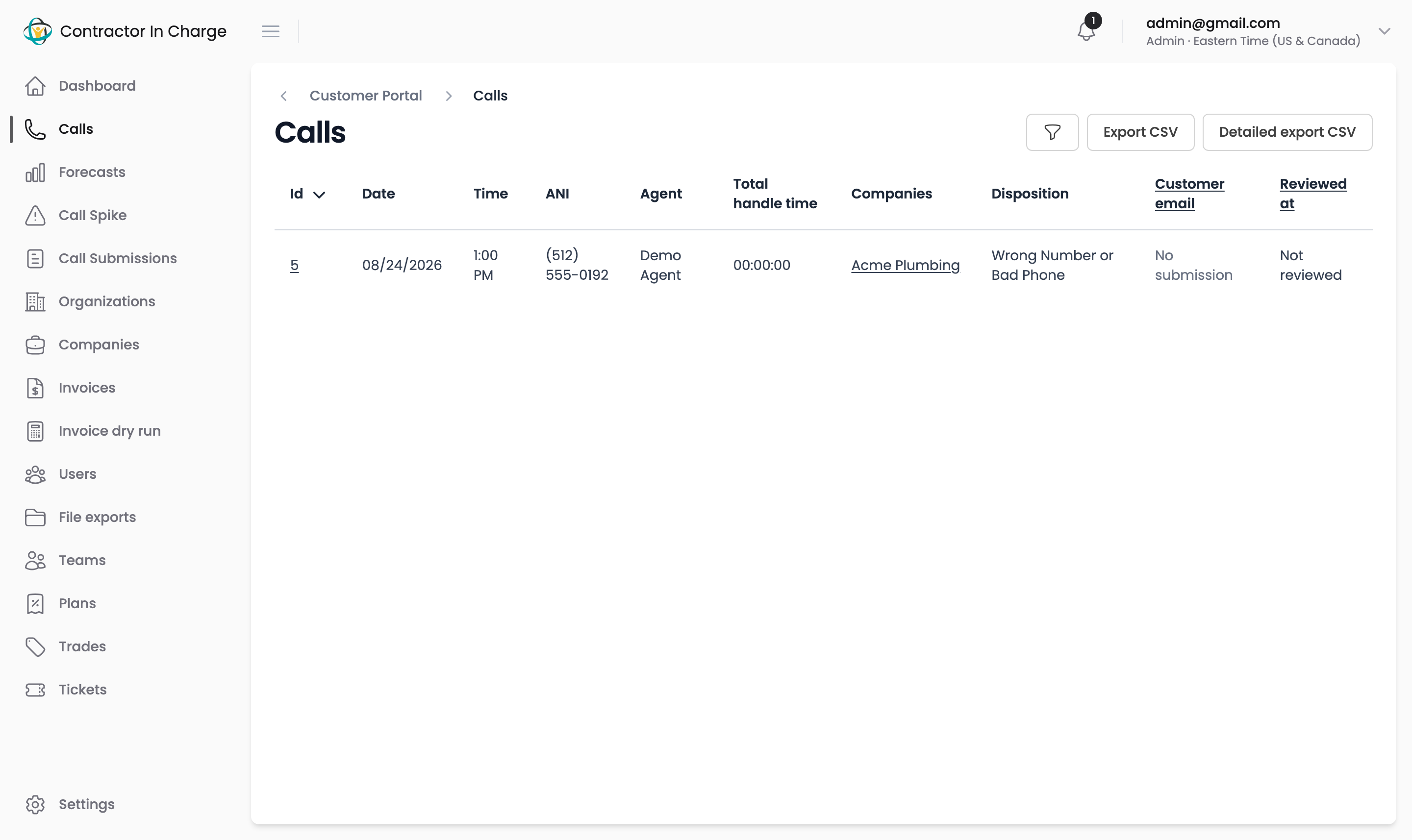
On Calls (opens in a new tab), open the filters and tick For review. The queue shows calls with a non-billable disposition, plus dead-air calls that have audio, within the chosen date range. Set the date range to the billing period you are checking.
Marking a call reviewed
Open the call, listen to the recording, then click Mark reviewed and choose:
- Reviewed – bill this call — the recording shows a real conversation despite its disposition. The call's handle time is restored and billed on the next invoice.
- Reviewed – not billable — the disposition was right. The call stays at zero minutes and leaves the queue.
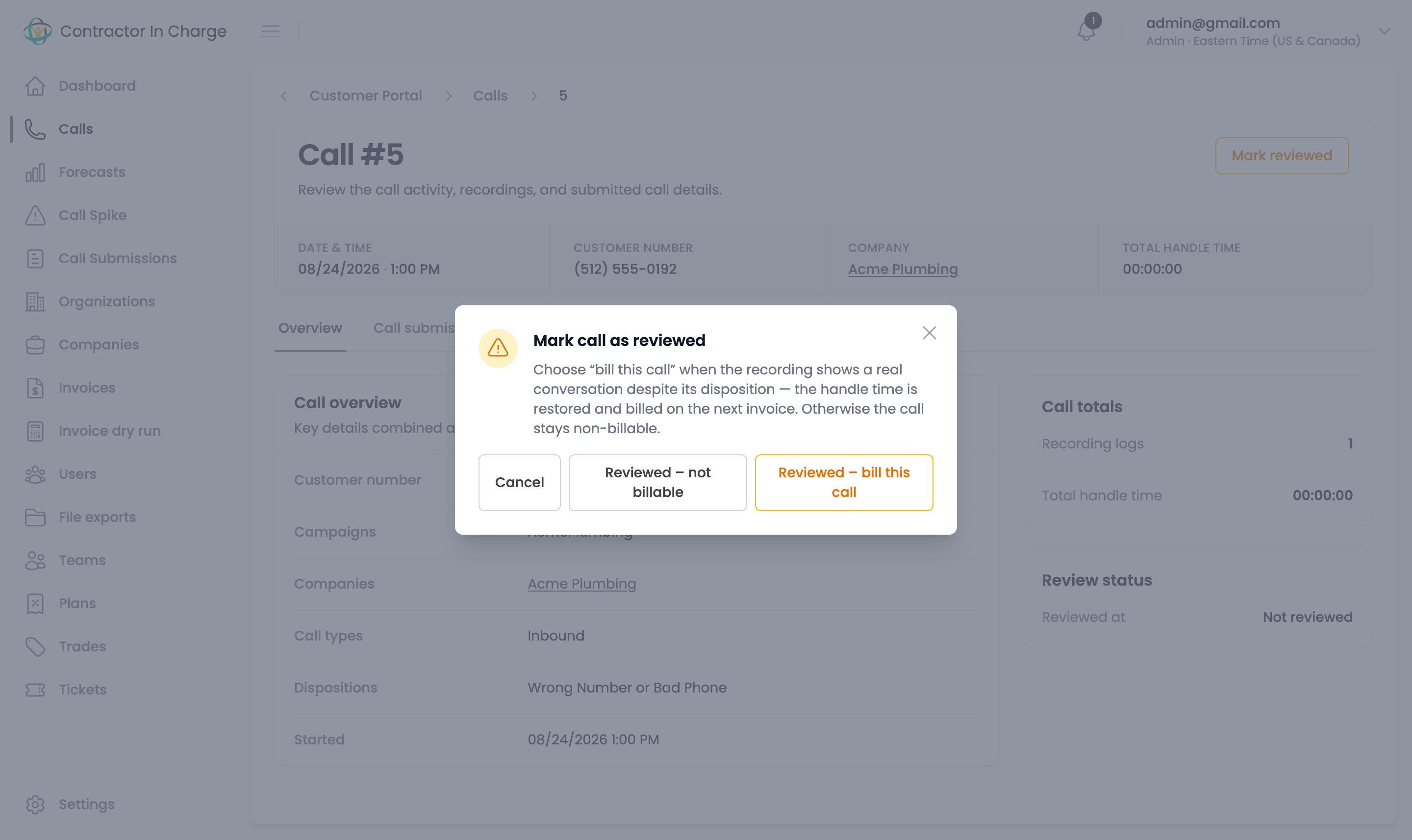
The review is recorded with when it happened and the decision, shown under Review status on the call. To change a decision, open the call again and click Change review; this works until the call's minutes have been invoiced, after which the buttons disappear.
Fixing the recording log
Reviewers can also edit a call's recording log (the notes attached to the recording) from the call page when the agent's entry is wrong or missing.
Timing
Reviews only affect invoices that have not been created yet. Finish the queue for a period before its run: Monday morning for the previous week, or the 1st for the previous month. The invoice dry run reflects reviews immediately.