Select the client and start the call
Choose the correct client before recording or working the call.
Instructions
- After logging in, confirm the application has returned to the main call screen.
- Use the client dropdown at the top of the application to select the correct client.
- After the client is selected, click the Start Call button on the left navigation.
- The application begins the call workflow and prepares the call log submission form.
Important: Always confirm the correct client is selected before starting the call. The selected client controls the form, SOP information, call guidance, and booking rules displayed in the assistant.
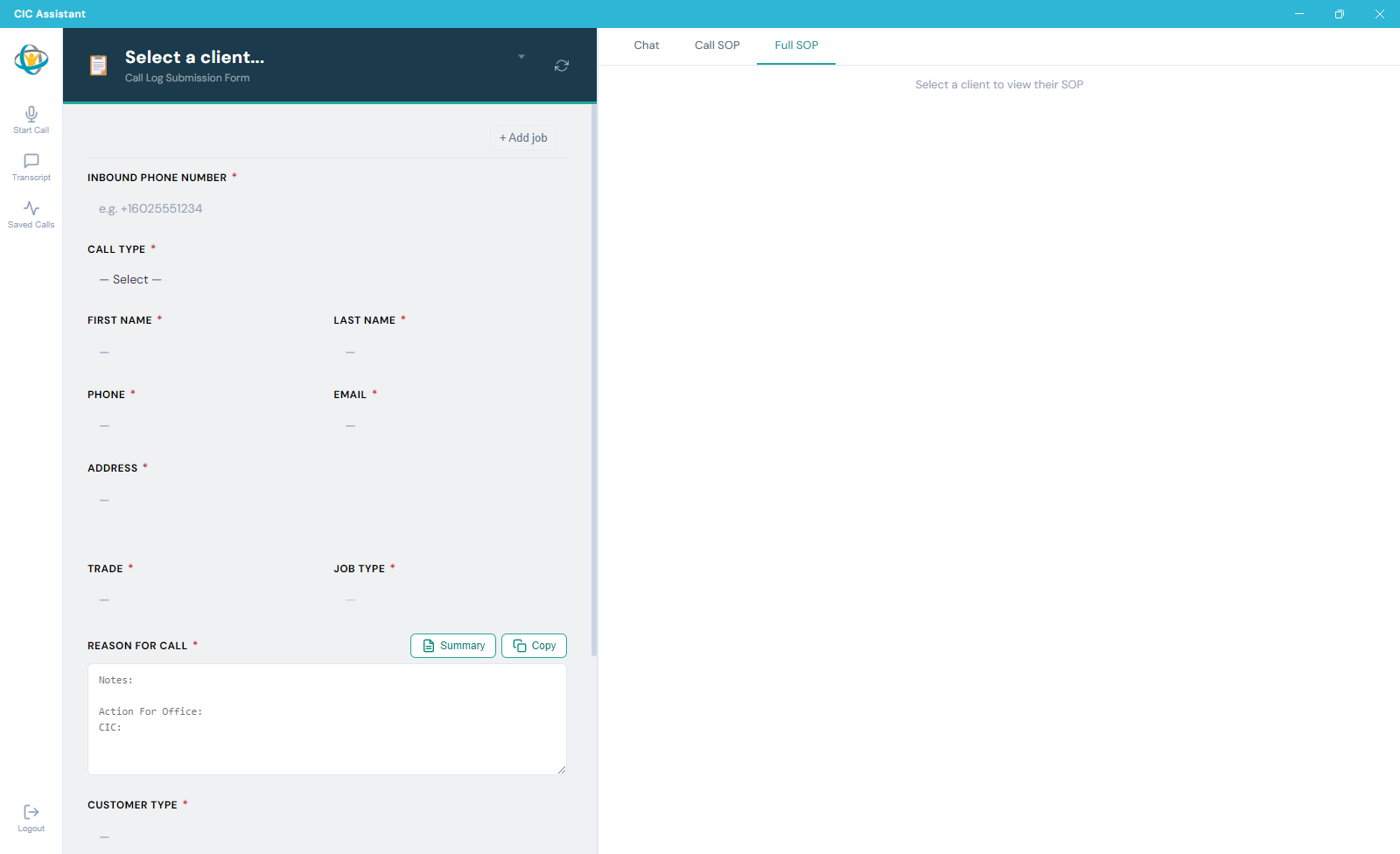
After login, the CIC Assistant opens to the call log submission form area.
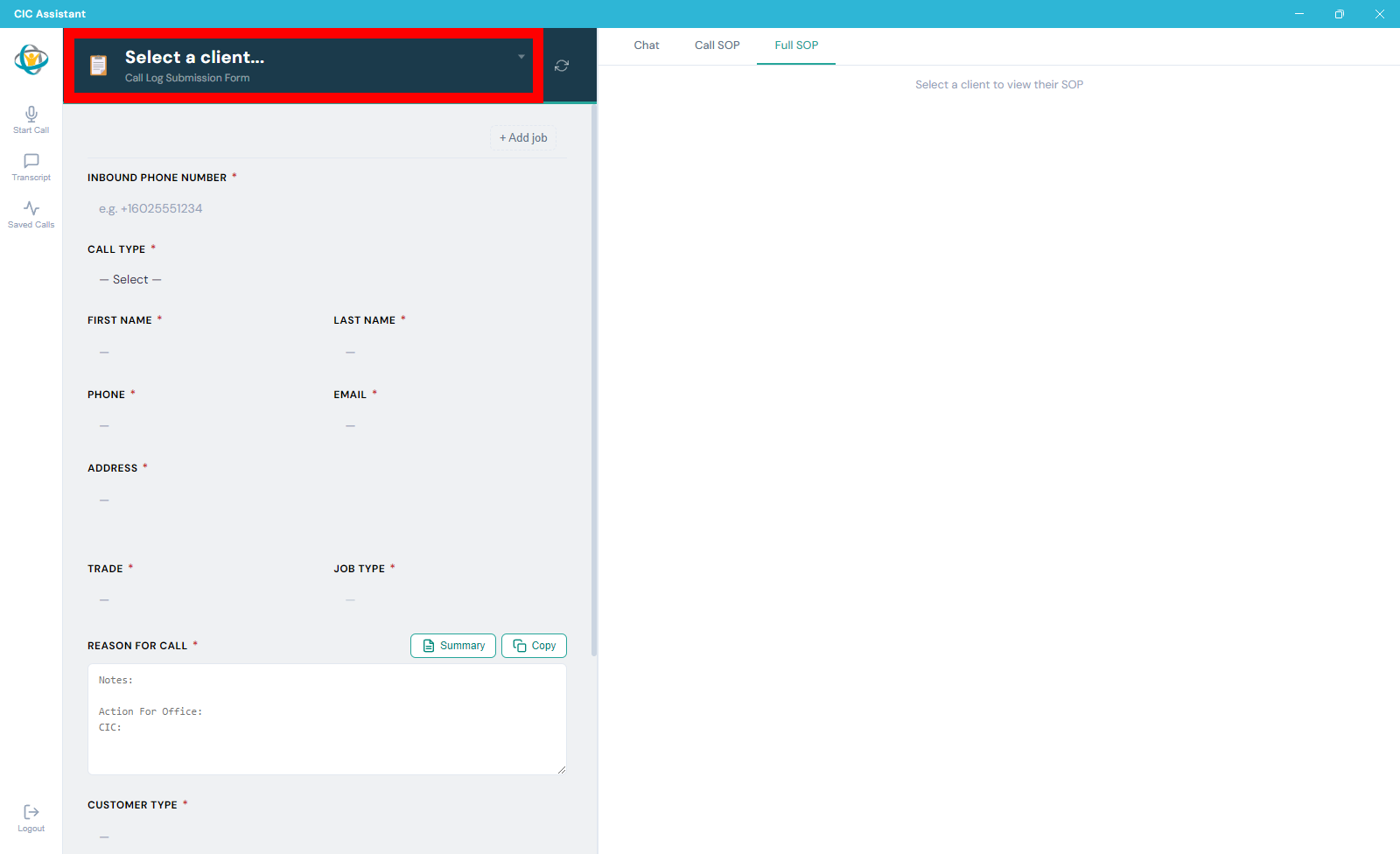
Select the client from the dropdown menu in the header.
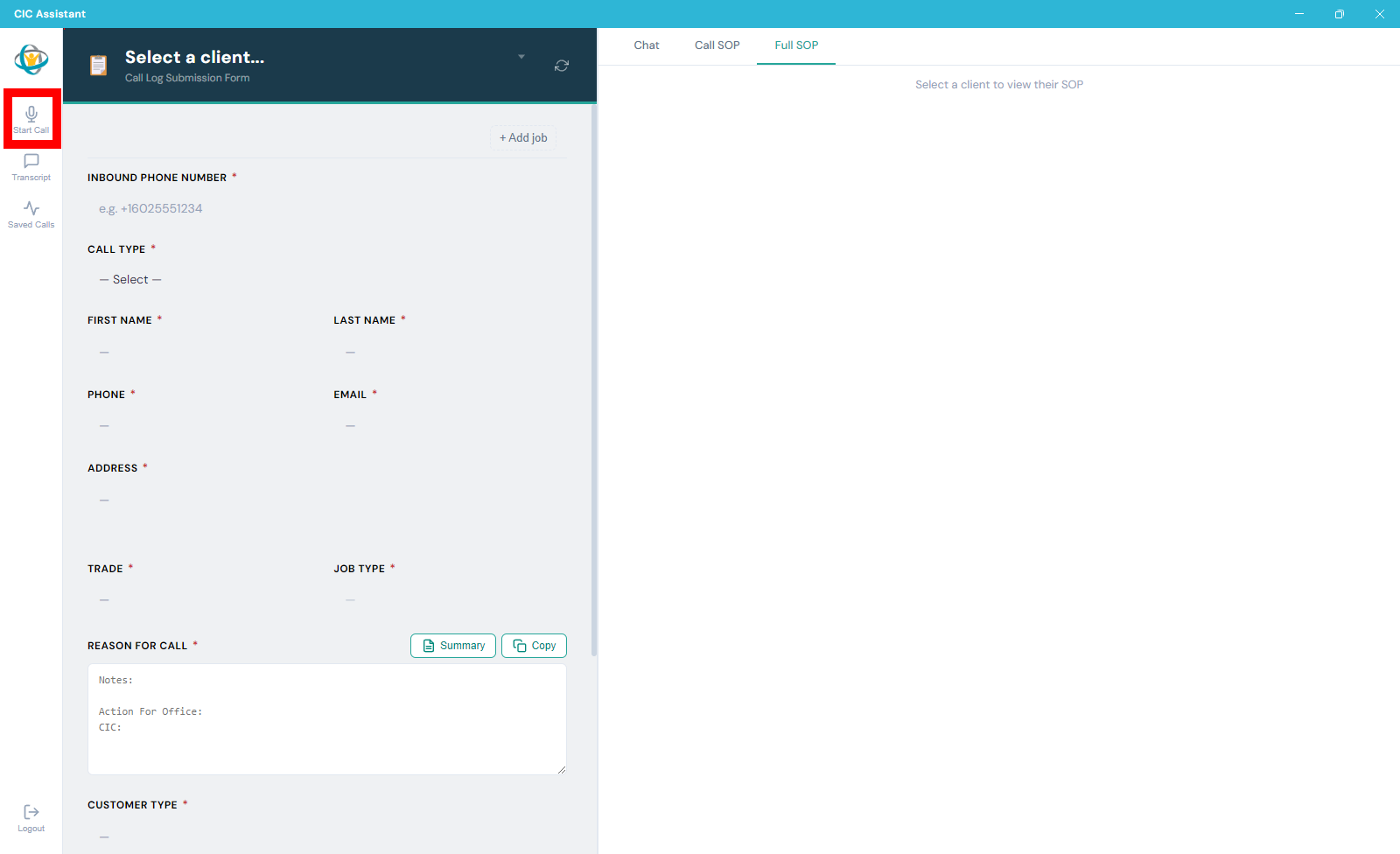
Select Start Call to begin the call workflow.