Roles & Access
The portal has four platform-wide user roles. Customer access is narrowed further by a separate membership on each company.
Customer
Contractor business owners and their employees. Customers see only their own company's data: their calls, their recordings, their dashboards, their invoices. They cannot see other contractors, and they don't see the playbook CIC's agents follow for them.
Customer-specific guides:
Supervisor
CIC team members — typically team leads — who manage a portfolio of contractor accounts and the agents working them. Supervisors can move across customers, build teams, and watch performance.
Supervisor-specific guides:
- Working Across Companies
- Managing Teams
- Adding Customers
- Tagging Trades
- Reviewing Playbooks
- Watching Call Patterns
Admin
Senior CIC staff with full system access. Admins run the platform: onboarding contractors, configuring billing, responding to alerts, managing users, and impersonating customers when needed for support.
Admin-specific guides:
- Organizations
- Onboard a Company & User
- Companies at Scale
- Users & Impersonation
- Stripe Billing
- Invoices
- Call Spikes
- System Operations
- Security
- On-call Playbook
Agent
CIC call-handling staff who use CIC Assistant. Agent accounts do not browse customer companies, recordings, organizations, or invoices in the portal.
Reviewer
The billing call auditor. A Reviewer sees every call and the review queue, can mark calls reviewed (billable or not) and fix recording logs, and nothing else. Their home page is the review queue. See Reviewing Calls.
Company Member and Owner
These are not platform roles. They belong to the connection between a Customer user and one company:
- Member — regular access to that company's data.
- Owner — owner-only billing actions and related billing notices.
A Customer can be a Member of one company and an Owner of another. Creating a Customer account alone grants no company access; an Admin or Supervisor must add the company membership.
How roles map to the sidebar
Each role sees a different sidebar in the portal. Roughly:
| Sidebar item | Customer | Supervisor | Admin | Reviewer |
|---|---|---|---|---|
| Dashboard | ✓ | ✓ | ✓ | — |
| Calls | ✓ | ✓ | ✓ | ✓ (review queue) |
| Companies | own only | portfolio | all | — |
| Invoices | own only | — | all | — |
| Invoice dry run | — | — | ✓ | — |
| Plans | — | — | ✓ | — |
| Tickets | — | own | all | — |
| Teams | — | ✓ | ✓ | — |
| Trades | — | ✓ | ✓ | — |
| Organizations | — | — | ✓ | — |
| Users | company members | Customer accounts | all | — |
| Call Spikes | — | — | ✓ | — |
| File Exports | own only | own only | ✓ | — |
| Settings | ✓ | ✓ | ✓ | ✓ |
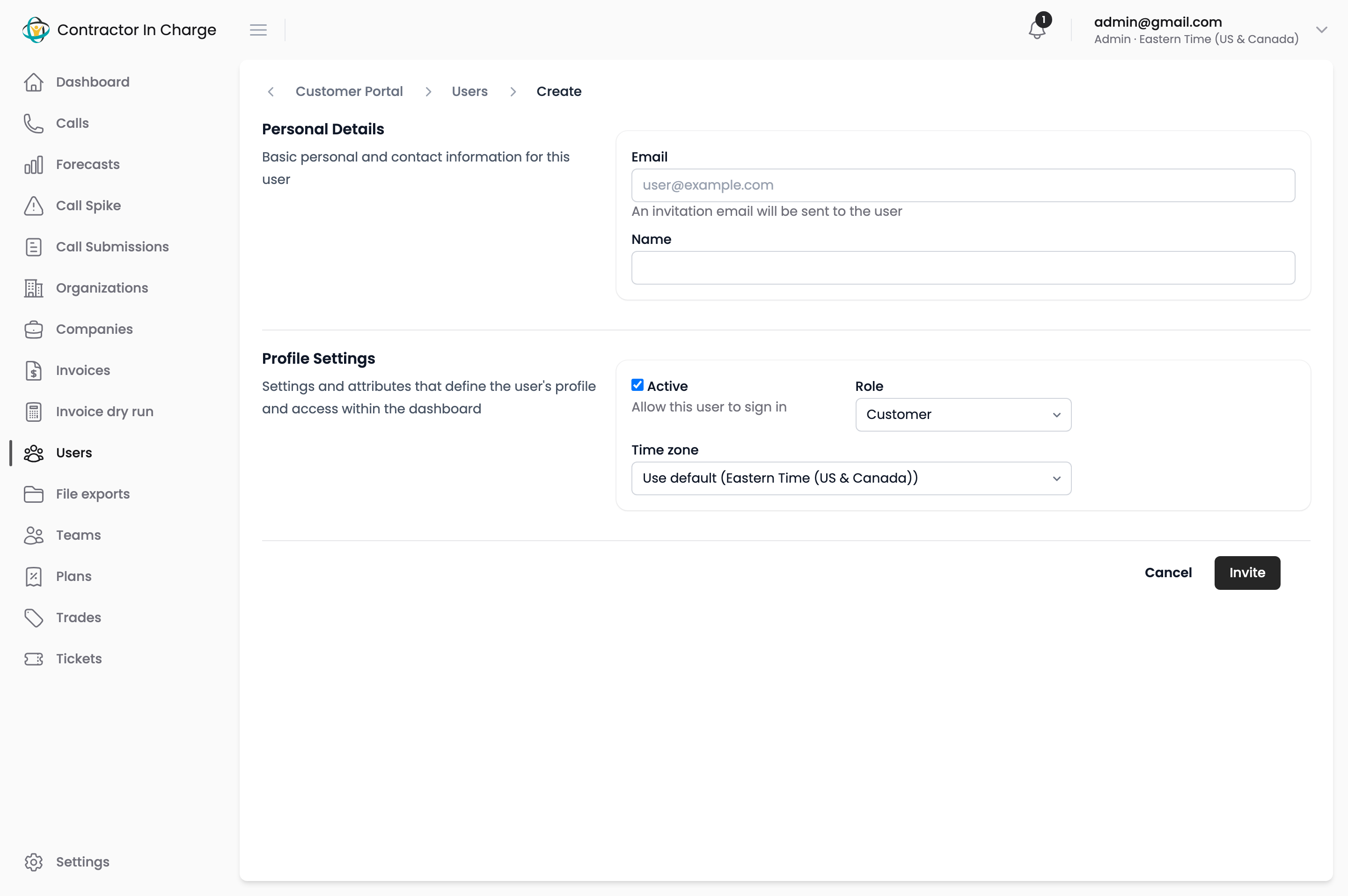
Identifying your role
In the portal, open your profile menu in the top-right corner. Your role is shown there. If in doubt, your CIC contact can confirm.
Next
- Signing In — invitation, password, login flow